

Chamilo LMS Training Courses.
Gain full autonomy with hands-on training from the publisher.
Practical, immersive remote or on-site training sessions for administrators, instructional designers, and teachers, led directly on a live portal by the team at BeezNest, Chamilo LMS publisher.
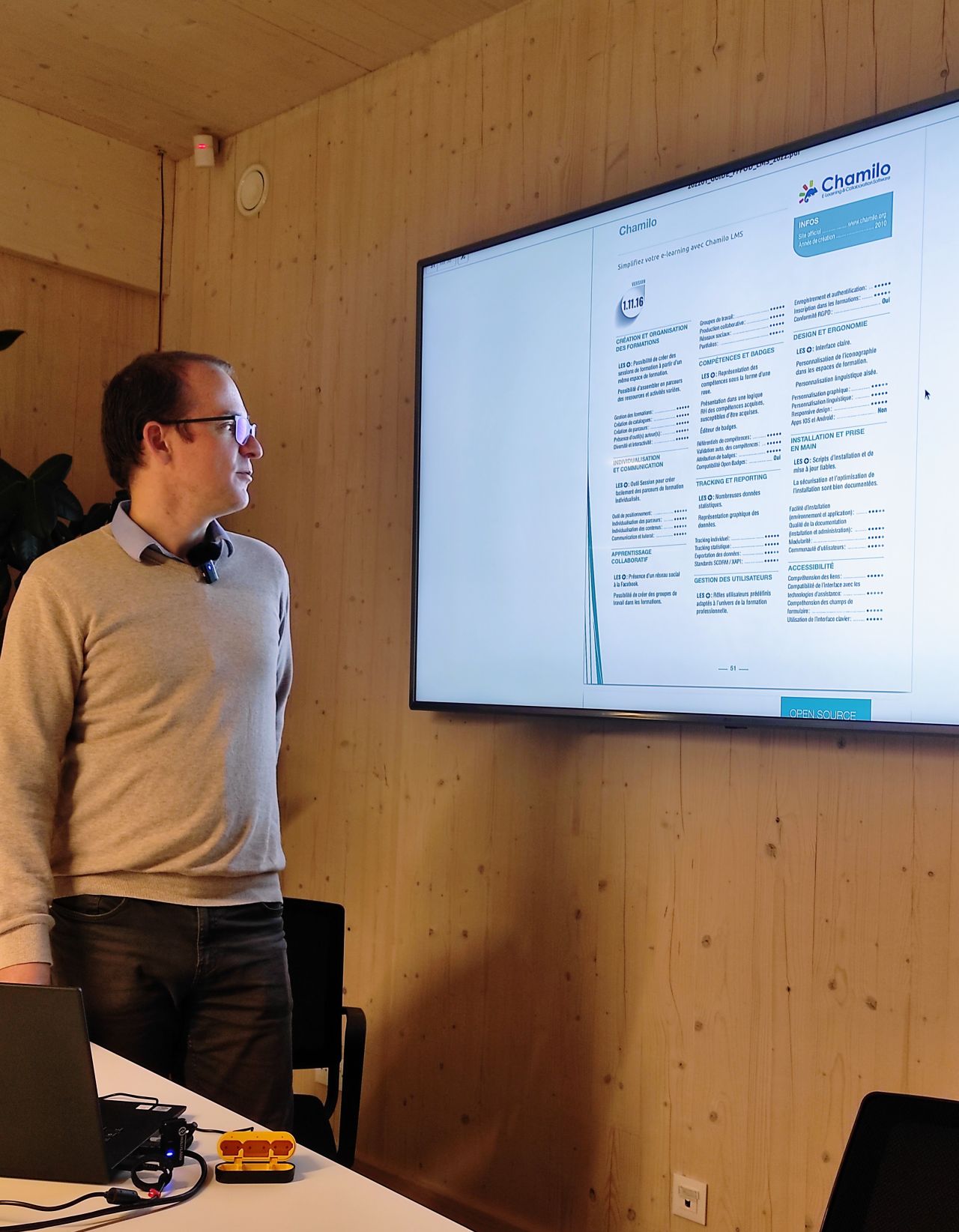
Yannick Warnier at a ChamiloCamp 2023 event

What you'll learn
Master Chamilo LMS.
From the basics to advanced features.
Our hands-on approach guarantees direct practice on a real Chamilo portal, turning theory into skills right away.
Create engaging learning paths
Design structured paths, configure course sequences, and guide your learners step by step.
Manage your courses with ease
Create, organize, and manage courses, enrollments, user groups, and permissions with confidence.
Make the most of Chamilo's key features
Assessments, tracking, reporting, virtual classroom, SCORM, certificates, badges, and much more.
Administer your portal
Configure settings, manage roles, customize the interface, and maintain your platform independently.
Ensure security and performance
Apply best practices for access control, data protection, and platform optimization.
Run virtual classrooms
Configure and run BigBlueButton virtual classroom sessions directly from your Chamilo portal.
Training format
Flexible, hands-on,
and tailored to your needs.
Remote training (standard)
Delivered via video conference for maximum flexibility. Available to participants anywhere in the world.
On-site training (on request)
Training delivered on-site at your premises or at BeezNest. Ideal for group sessions requiring more direct interaction.
The program is tailored to the learners' profile and their level of familiarity with Chamilo LMS. The content can be adjusted if an in-depth exploration of certain topics is desired. We also organize fully custom sessions focused on your priorities.
Teaching method
Expert. Hands-on. Personalized.
Trainers who develop the platform
Our trainers are directly involved in developing Chamilo LMS. You won't find a more qualified technical profile.
80% explanation, 20% practice
A balanced mix, adjusted to the level and needs of the participants.
Practice on a real portal
One trainee per workstation. You practice directly on a real platform, no simulations, no screenshots.
Individualized approach
Tailored to your type of content, your workflow, and your tools. We focus on what matters to you.
Direct questions to the trainer
Ongoing hands-on practice, with the ability to ask the trainer questions directly throughout the session.
PDF training materials included
A complete set of PDF training materials made available to all participants after the session.
Training programs
Three types of training.
One for every profile.
Delivered remotely via video conference, with hands-on practice on a Chamilo portal. On-site sessions available on request.
Join our Chamilo LMS training to unlock the full potential of your e-learning platform.
Who this training is for
Step-by-step guidance for every profile.
Administrators
Portal configuration, user management, access rules, customization, security, and maintenance.
Trainers and teachers
Course creation, learning activities, assessments, learner tracking, virtual classroom.
Content creators
Creating rich learning content, SCORM integration, multimedia, interactive exercises, and quizzes.
FAQ
Frequently asked questions
Who are these Chamilo LMS training sessions for?
Our training is designed for Chamilo LMS administrators, trainers, and system administrators. We adapt the content to beginner, intermediate, and advanced levels.
What will I learn during the training?
Participants gain hands-on experience in managing courses, users, and permissions, performance optimization, security, backups, and e-learning best practices.
How long are the sessions and what format do they take?
Typically two sessions of 3 hours each. We offer flexible formats: online sessions or on-site training, tailored to your schedule and needs.
Can the training be customized for my organization?
Yes. Each session can be tailored to your organization's specific workflows, content, and Chamilo LMS configuration, for practical and relevant learning.
Is support available after the training?
Yes. All participants receive the training materials, guides, and optional follow-up to implement best practices and resolve issues.
What are the training rates?
Rates vary depending on the type of training, the number of participants, and the format (online or on-site). Contact us for a personalized quote.
Do you provide certifications or completion certificates?
Yes. Participants receive a completion certificate validating their skills and hands-on experience with Chamilo LMS.
Can the training help optimize my existing Chamilo portal?
Absolutely. Our training includes practical advice on performance optimization, user and workflow management, helping you maximize the efficiency of your e-learning platform.
Are there prerequisites to attend the training?
For beginner sessions, no prior technical knowledge is required. Intermediate and advanced levels may require basic familiarity with Chamilo LMS or system administration.
How do I book a training session?
Contact us through our form or by email to discuss your needs, choose the right training, and schedule the sessions. Contact us →
Complete your Chamilo LMS project
Chamilo PRO
1 day of training included, plus hosting and unlimited support.
Discover →Technical support
Level 2 included in hosting plans. Level 3 packs available.
Learn more →Consulting and audit
Performance optimization, security, infrastructure.
Learn more →Custom development
Specific features, integrations, custom portals.
Learn more →